Introduction
Logging into Accurail
Now that you've created your account, let's explore the various ways you can log in to Accurail.
Web App Login
The most straightforward way to access your Accurail account:
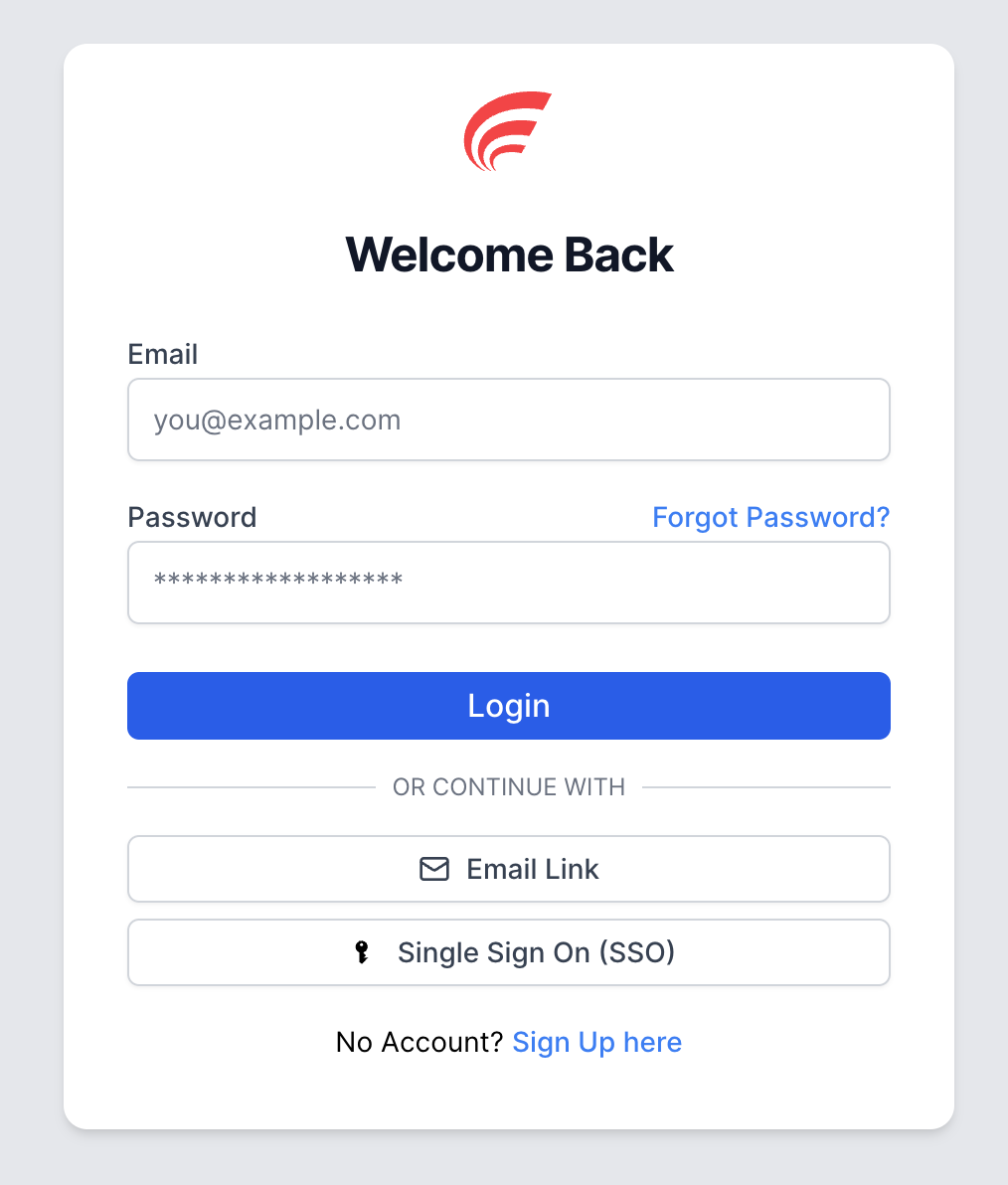
Enter your email address and password
Click 'Log In'
Email Link Login
For added convenience, we offer a passwordless login option:
- Click on 'Email Link' on the login page
- Enter your registered email address
- Click 'Send Email Link' and we'll send you a secure login link
- Click the link in your email to access Accurail without entering your password
This is only available on the website, not on the mobile app.
Single Sign-On (SSO)
If your organisation has configured SSO, you can streamline your login process:
- Enter your email address on the login page
- You'll be redirected to your organisation's SSO provider (Microsoft, Google, or Oracle)
- Log in using your organisation's credentials
- Upon successful authentication, you'll be automatically redirected to Accurail
Common Login Problems
If you're having trouble logging in, here are some common issues and solutions:
Email Address Issues
- Double-check your email spelling - Common mistakes include typing
.co.ukinstead of.com(or vice versa) - Ensure you're using the correct domain - For example,
outlook.comnotoutlook.co.uk - Check for extra spaces before or after your email address
Password Issues
- Verify your password is correct - Pay attention to caps lock and special characters
- Try typing your password in a text editor first to check for typos
- Reset your password if you're unsure - see our password recovery guide
Platform-Specific Notes
- Email link login is only available on the web - Use the standard username/password method on mobile apps
Still Having Issues?
If you continue to experience problems after checking the above, please contact our support team with details about the error you're seeing.
Remember, your security is our priority. Always ensure you're logging in from a trusted device and keep your login credentials confidential.