Planners
Creating a Pack - Custom File Upload
Accurail's Custom File Upload feature allows you to enhance your Safe Work Pack (SWP) with additional, task-specific documentation. This tool enables you to include a variety of file types, ensuring your team has access to all necessary information. Let's explore how to effectively use this feature:
Understanding Custom File Upload
The Custom File Upload section allows you to attach supplementary documents, images, or videos to your SWP. This feature is particularly useful for including detailed information that doesn't fit neatly into other sections of the SWP.
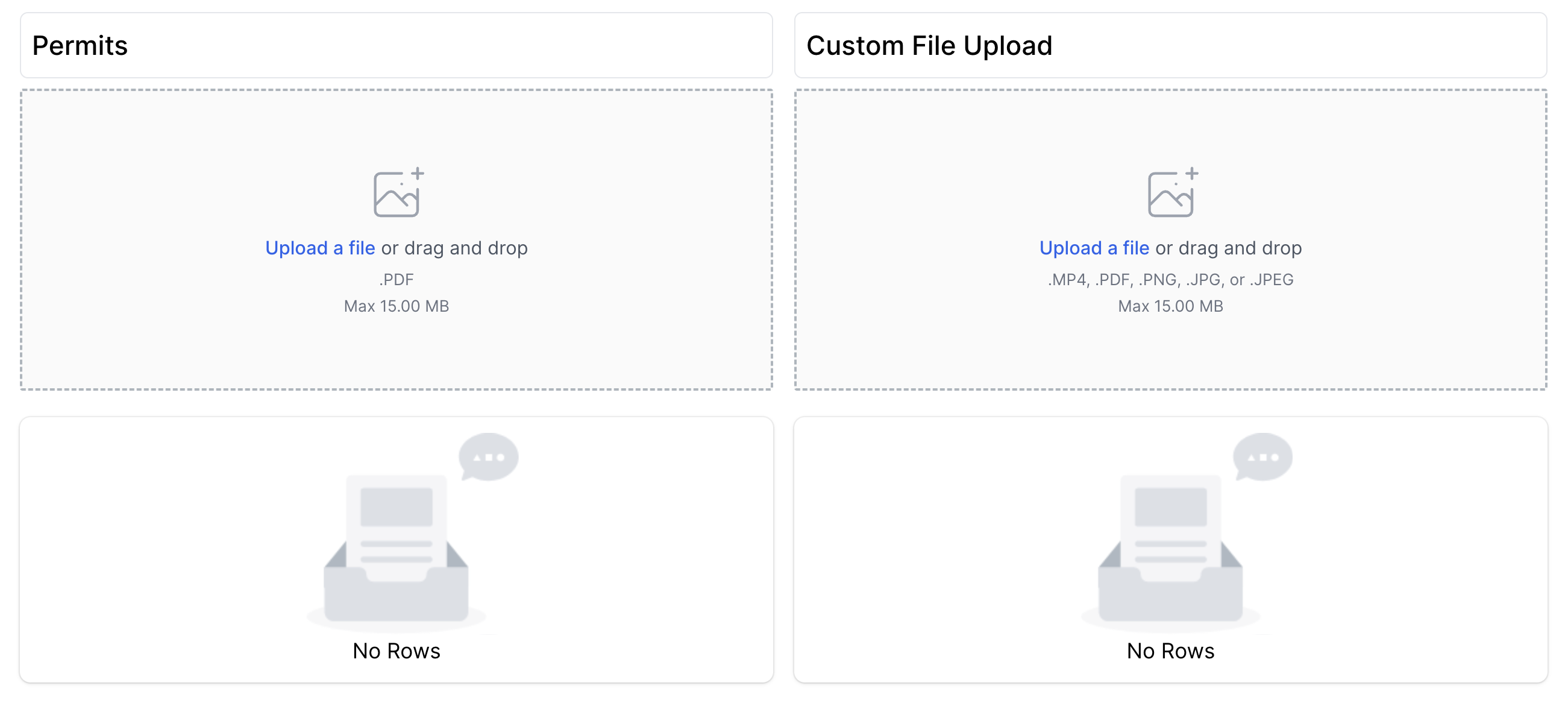
File Types and Limitations
Accurail supports the following file types for custom uploads:
- PDF Documents
- Images (common formats like JPEG and PNG)
- Videos (MP4 format)
You can upload multiple custom files!
There is a 15MB size limit for each uploaded file. This ensures that your SWP remains manageable and easily accessible, even on mobile devices with limited data connections.
Examples of Custom File Uploads
You can use this feature to include a wide range of supplementary materials, such as:
Whiteboard Briefings:
- Photos or scans of handwritten briefing notes
- Useful for including last-minute updates or site-specific instructions
Site Walkthroughs:
- Video recordings of site inspections
- Helps team members familiarize themselves with the work area before arriving on site
Safety Bulletins:
- Recent safety notices relevant to your task
- Ensures your team is aware of the latest safety information
Detailed Diagrams or Maps:
- Custom-drawn site layouts
- Annotated photographs of the work area
Equipment Manuals:
- Quick-reference guides for specific tools or machinery being used
Method Statements:
- Detailed, step-by-step procedures for complex tasks
Best Practices for Custom File Uploads
Relevance:
- Only upload files that are directly relevant to the current work.
- Avoid cluttering the SWP with unnecessary information.
File Naming:
- Use clear, descriptive names for your uploaded files.
- Include dates in the file name if the information is time-sensitive.
File Size Management:
- Compress images and PDFs where possible to stay within the 15MB limit.
- For videos, consider breaking longer content into shorter, more focused clips.
Version Control:
- If uploading updated versions of documents, clearly indicate the latest version.
- Consider removing outdated files to avoid confusion.
Security and Confidentiality:
- Be mindful of any sensitive information contained in uploaded files.
- Ensure that all uploaded content complies with your organisation's data protection policies.
Briefing on Uploaded Content:
- During pre-work briefings, highlight any custom uploaded files and their importance.
- Ensure all team members know how to access these files within the SWP.
Limitations and Considerations
Mobile App Compatibility:
- Currently, PDFs are not editable on the mobile app.
- Ensure critical information is also included in editable sections of the SWP.
Internet Connectivity:
- Large files may be difficult to access in areas with poor internet coverage.
- Consider this when deciding what to include as a custom upload.
Why Custom File Uploads Matter
- Comprehensive Information: Allows for inclusion of detailed, task-specific information that enhances safety and efficiency.
- Visual Aid: Images and videos can often communicate complex information more effectively than text alone.
- Flexibility: Enables you to adapt your SWP to unique or changing work situations quickly.
- Record Keeping: Provides a way to include and preserve important site-specific documentation within the SWP.
Remember, while the Custom File Upload feature offers great flexibility, it's your responsibility to ensure that all uploaded content is accurate, relevant, and up-to-date. Your thoughtful use of this feature can significantly enhance the effectiveness of your Safe Work Pack and contribute to safer, more efficient railway operations.